01 · Import
Import any song.
Paste a link, or drop in an audio or video file: MP3, WAV, M4A, FLAC or MP4. If you add a video, you watch it next to the kit while the song plays.
For Mac and Windows
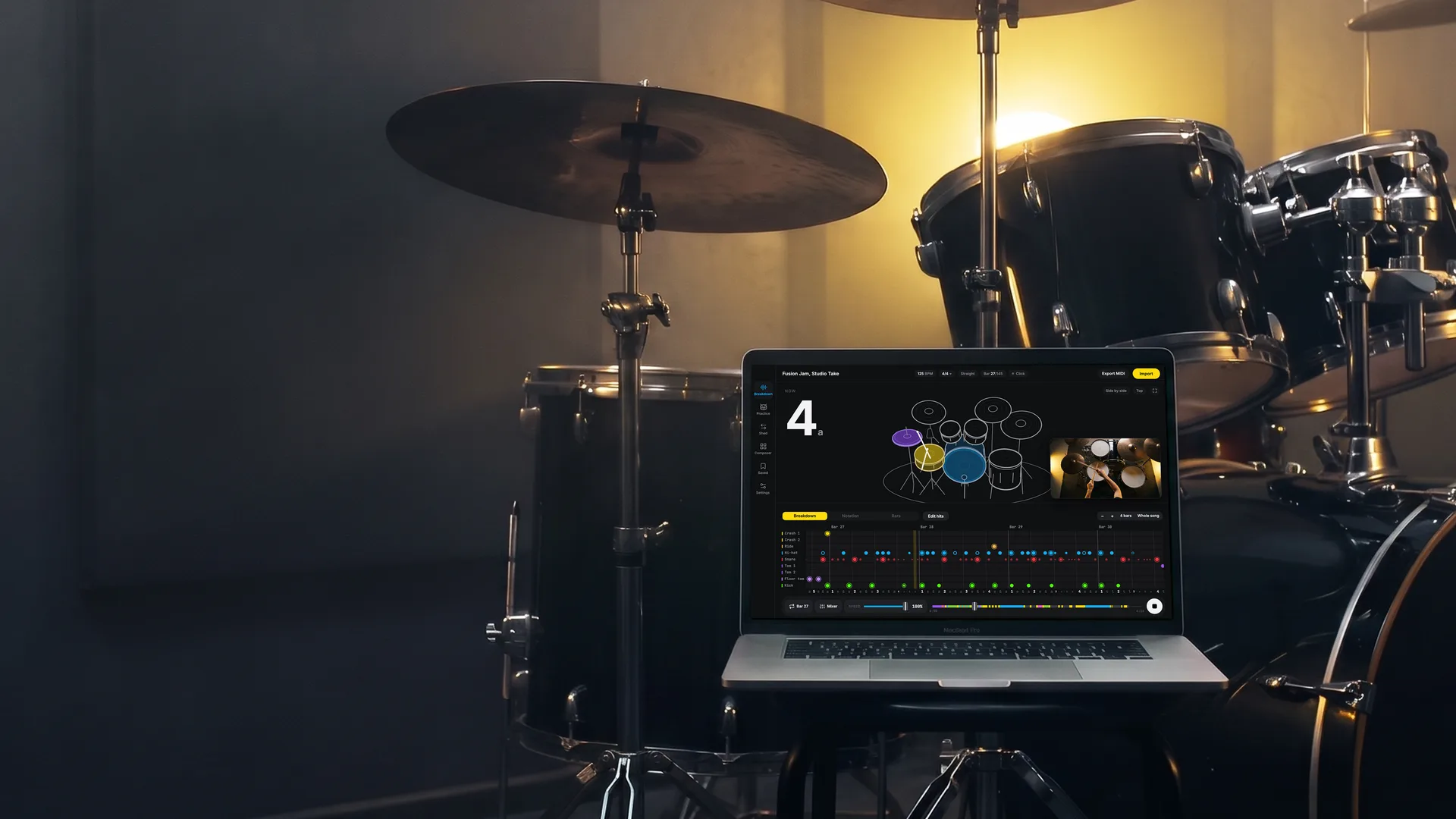
Import a song and see every hit on a 3D kit, bar by bar. Then loop each drum fill until you can play it.
Drum Chops Builder runs on Mac and Windows. Open this page on your computer to download it.
How it works
Paste a link, or drop in an audio or video file.
Each kick, snare, hi-hat and cymbal, on a 3D kit, bar by bar.
Loop each drum fill, see the sticking, slow it down and play along.
See it in action
Learning a song gets easier when you can see exactly what the drummer played. You follow every hit on the kit as the song plays, so you know what to practise and you hear yourself get better.
Turn your sound up, then press Play with sound.
Inside the app
Seven ways into every song you import, all in one app.
01 · Import
Paste a link, or drop in an audio or video file: MP3, WAV, M4A, FLAC or MP4. If you add a video, you watch it next to the kit while the song plays.
02 · Breakdown
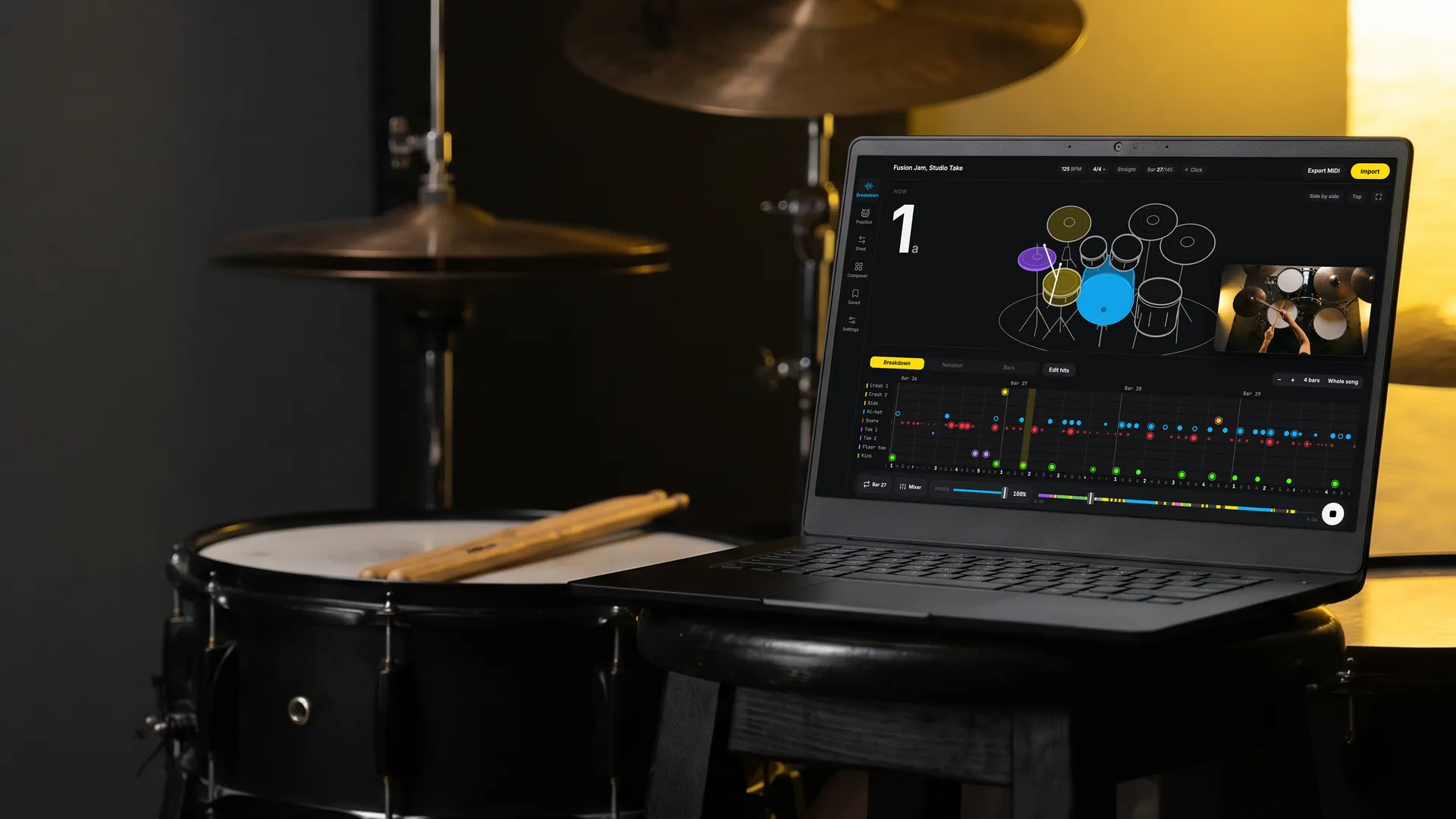
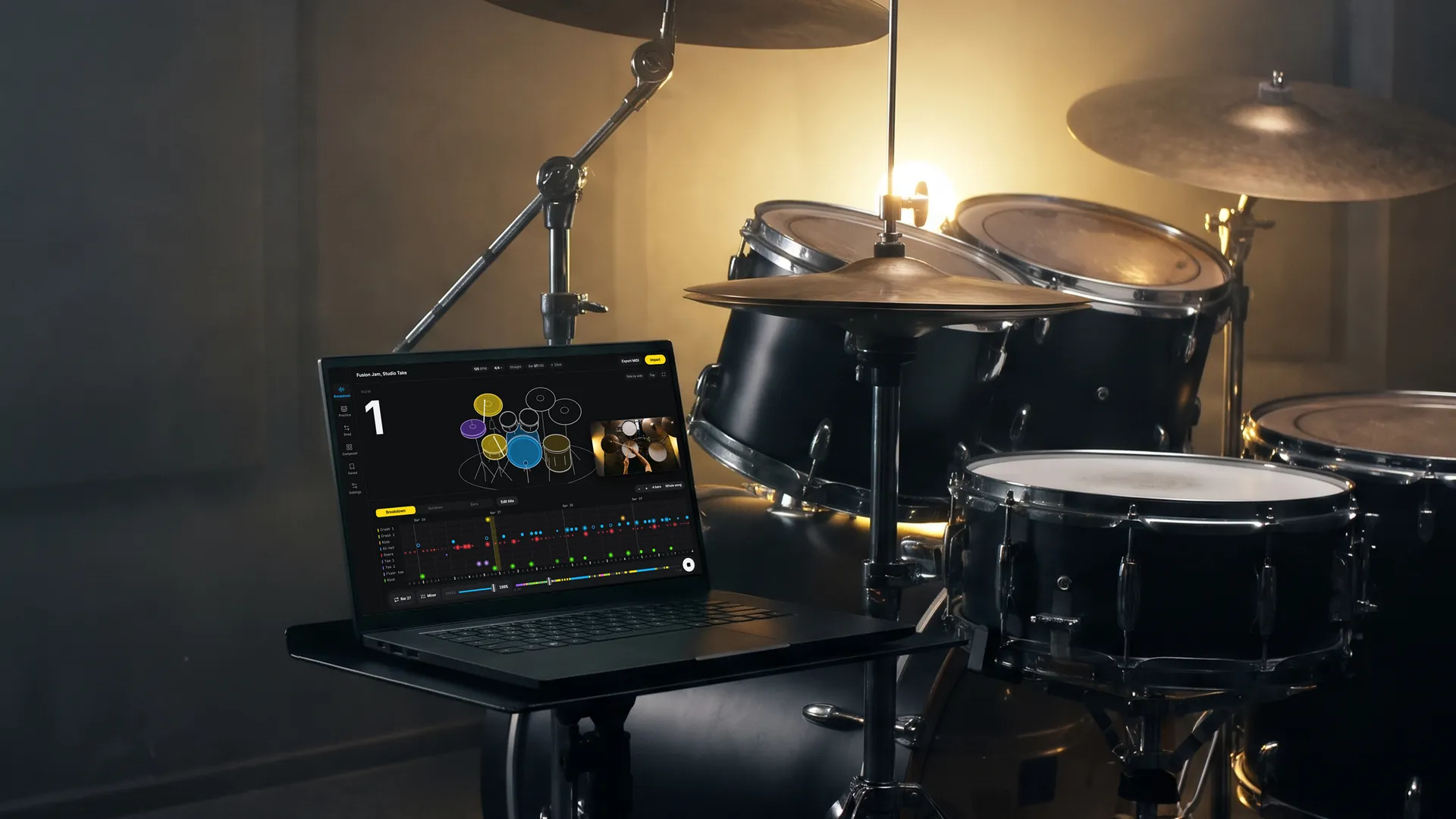
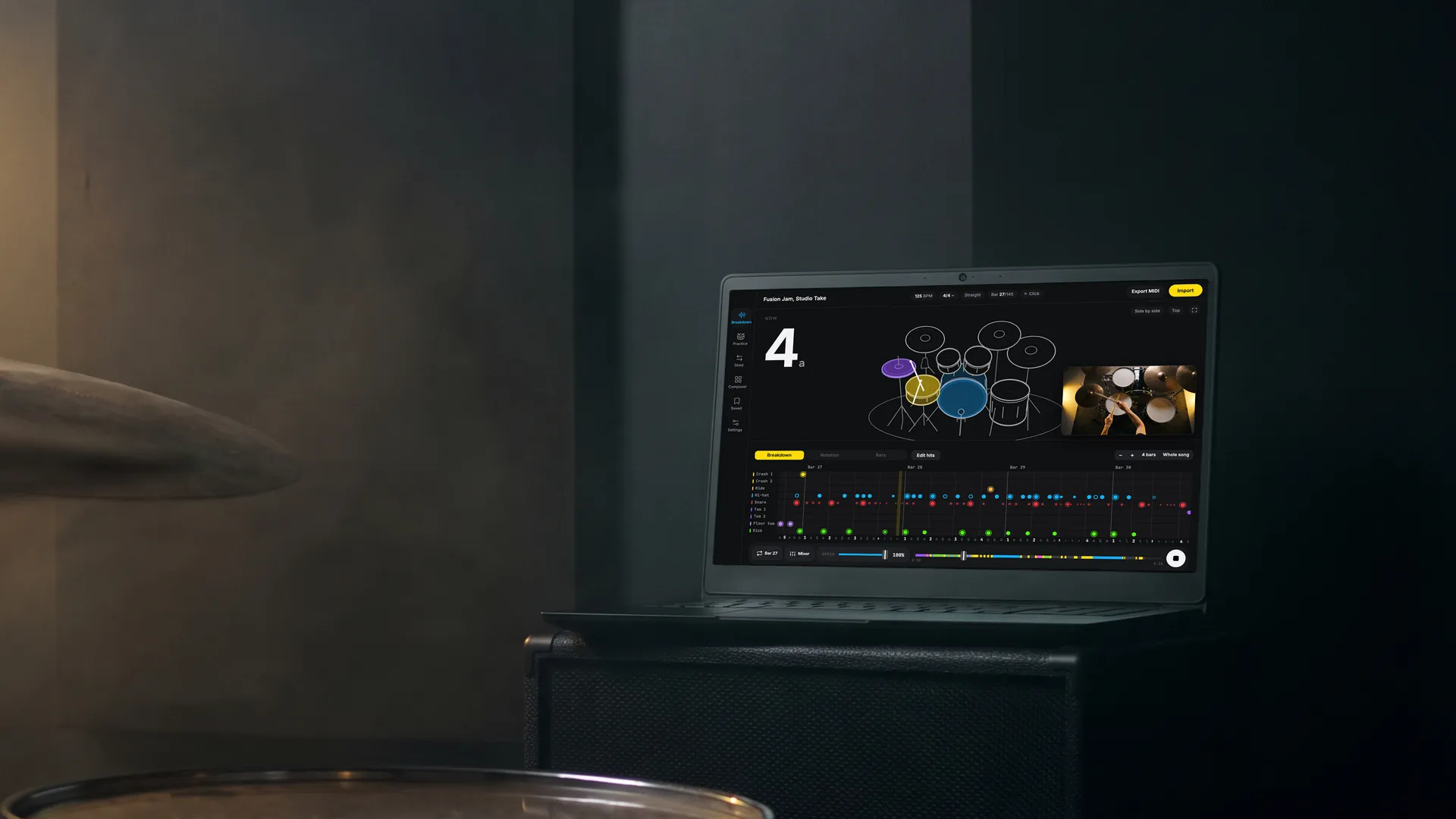
Every kick, snare, hi-hat and cymbal is picked out and shown on a 3D kit. You follow the song bar by bar and see which drum the drummer hits, and when.
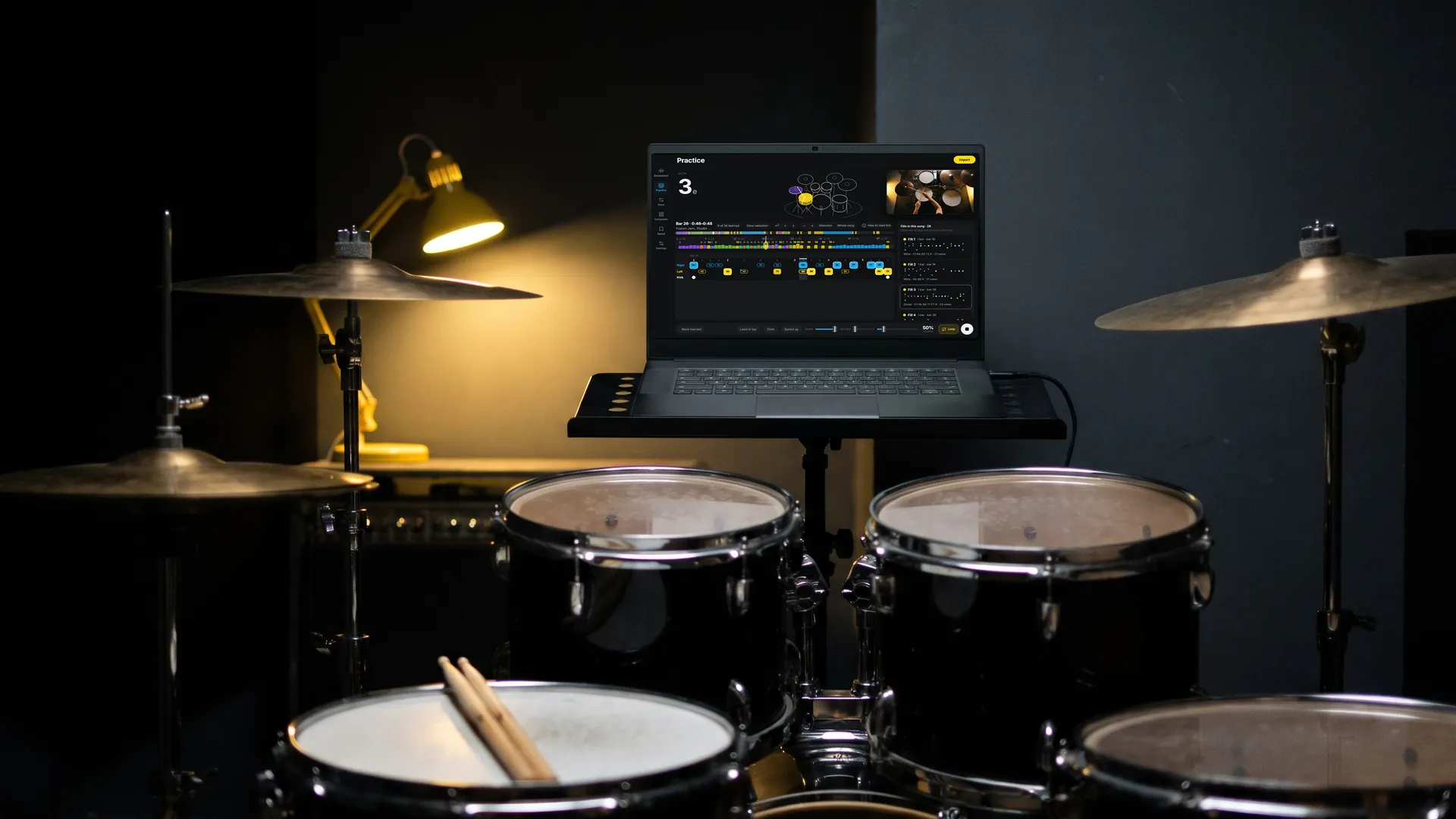
03 · Practice
You get every drum fill of the song on its own card. Click one to loop it and see the sticking for each stroke: right hand, left hand, kick.
Slow it down as far as 40% of the tempo. Turn on Speed up and you play it a little faster each time round the loop.
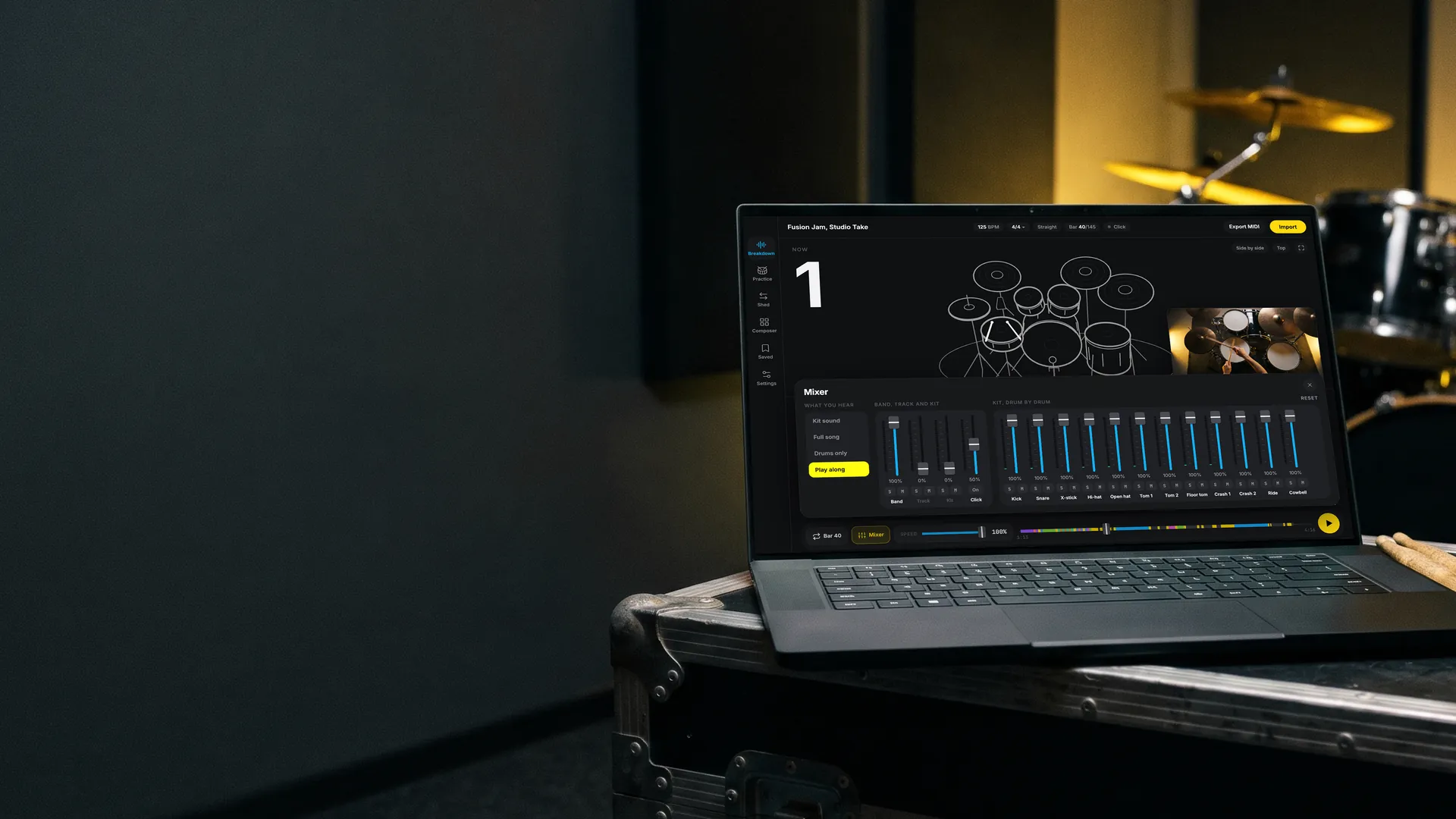
04 · Mixer
Choose what you hear: the full song, the drums on their own, or the band without the drummer. Turn each drum up or down, solo it or mute it.
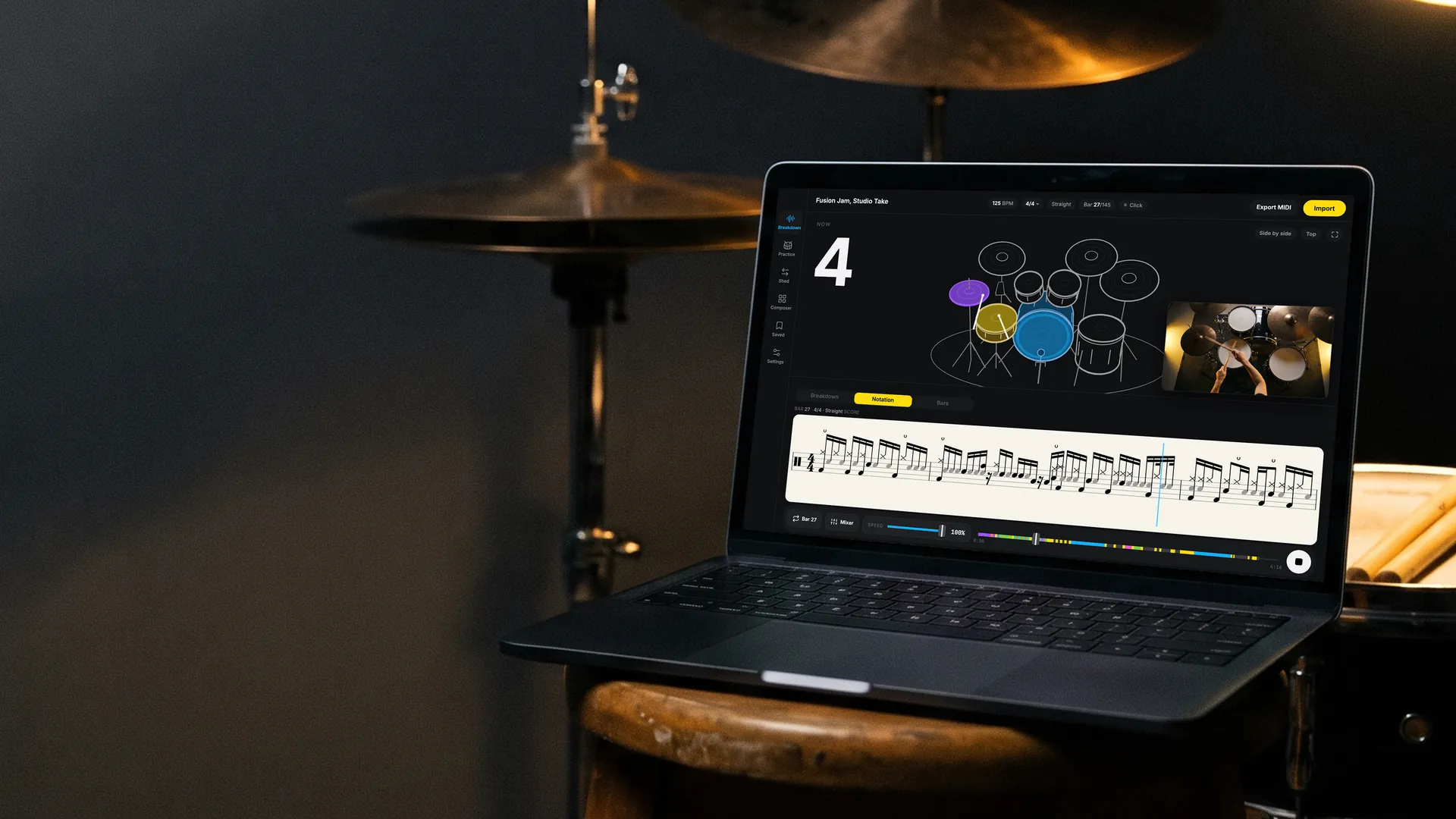
05 · Notation
Switch to Notation and read the same bars on a staff, with a cursor to follow while you listen. Export the MIDI and open it in your DAW.
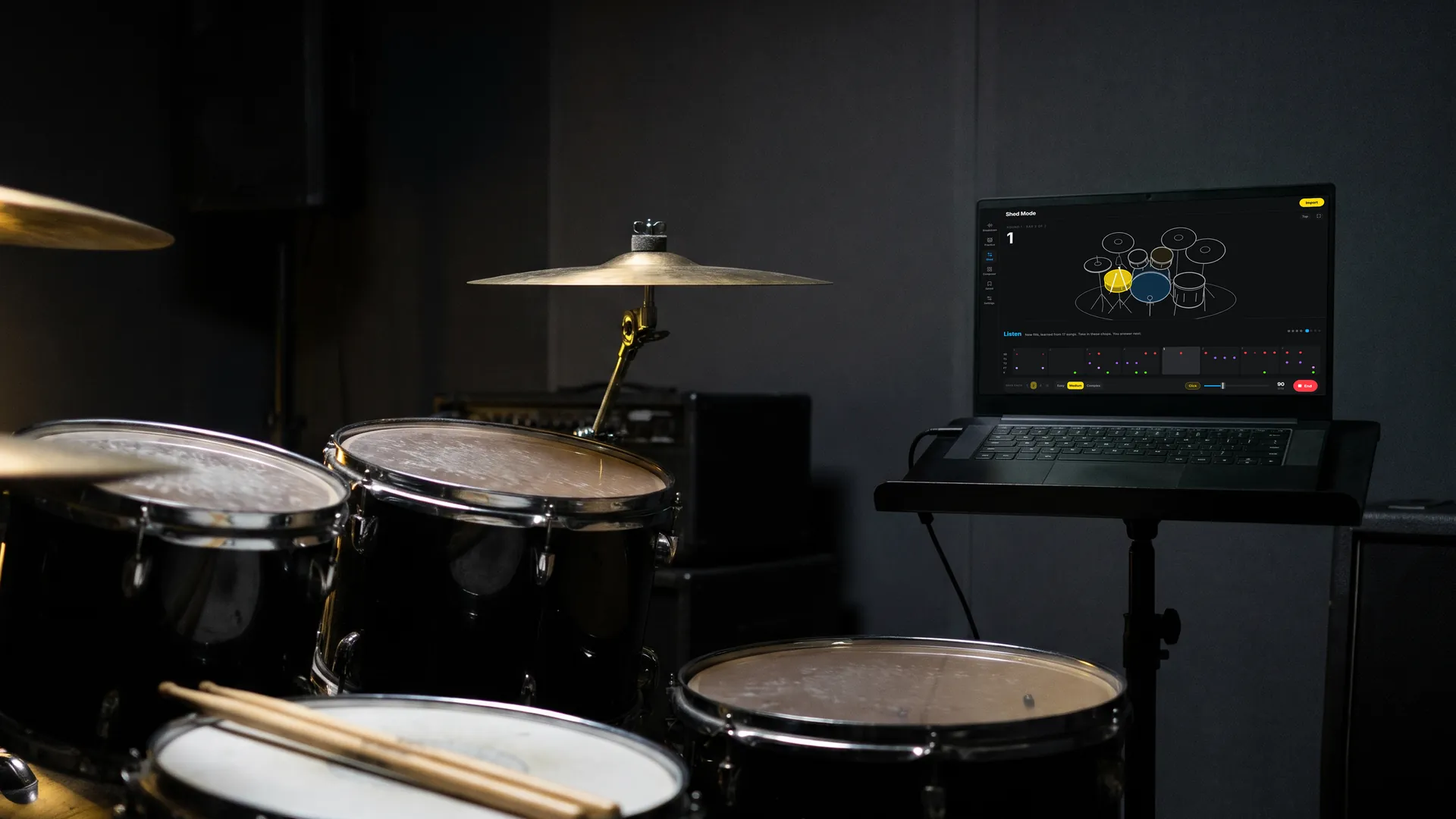
06 · Shed Mode
Listen for 1, 2, 4 or 8 bars, then answer on your kit. Pick the chops from your own songs, from the built-in set, or from both.
07 · Chops Composer
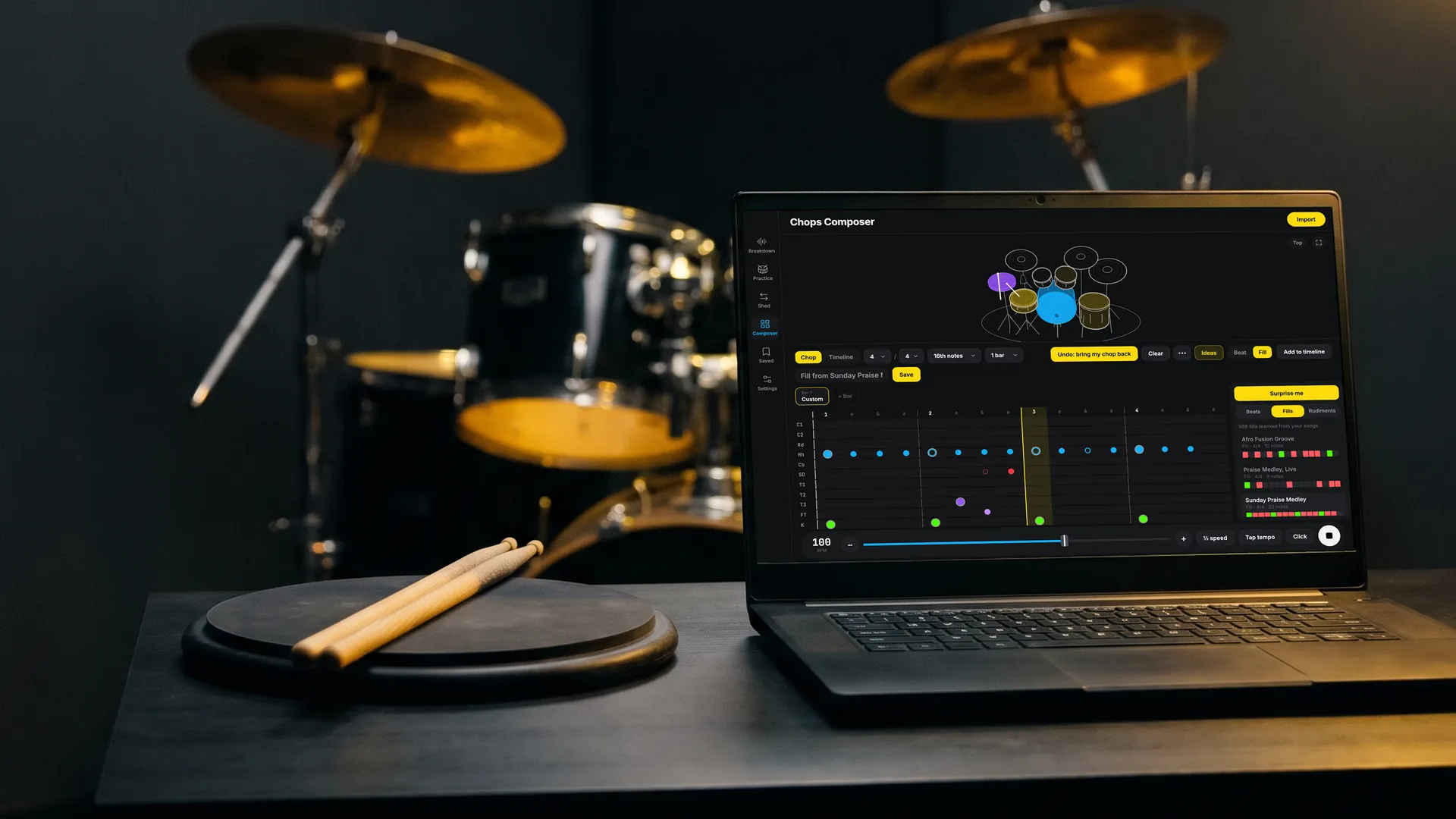
Click steps to build a beat or a drum fill, and mark accents, ghost notes, flams and open hi-hats. Start from a drum fill in one of your songs or from a rudiment, then line your chops up on a timeline.
The details
Down to 40% of the tempo.
A little faster each time round the loop.
Right hand, left hand or kick, for every stroke.
Open the drums of any song in your DAW.
Pick your kit, and play right-handed, left-handed or open.
Play the song's video beside the kit and see each hit land.
Switch to the app's own kit and hear each hit clean, ghost notes and all.
You keep your songs and their breakdowns on your own computer.
Pricing
Import any song and you see its drums hit by hit, then you learn each drum fill at your own speed. You pay once and keep it. There is no subscription.
Drum Chops Builder
$49once
One license key for Mac and Windows. Secure checkout by Polar. Prices in US dollars; tax may be added where you live.
Download
On a Mac, if you can't open the app the first time, go to System Settings, then Privacy & Security, and click Open Anyway. On Windows, if you see "Windows protected your PC" the first time, click More info, then Run anyway. You install updates from inside the app.
System requirements
You can add songs as a link, or as an MP3, WAV, M4A, FLAC or MP4 file, up to 60 minutes long.
Questions
No. You pay $49 once. There is no subscription.
After you pay, you get a license key. Open the app, paste the key and click Activate. You need to be online to activate.
Paste a link, or add an audio or video file: MP3, WAV, M4A, FLAC or MP4, up to 60 minutes long. Please add only songs you have the right to use.
On your own computer, together with their breakdowns.
On the old computer, choose Deactivate This Computer in the app's menu. Then open the app on the new one and activate your key there.
Write to hello@adtheophanix.com with your computer model and, if you spot a wrong hit, the song name and the bar number.
Import it tonight and loop its first drum fill.